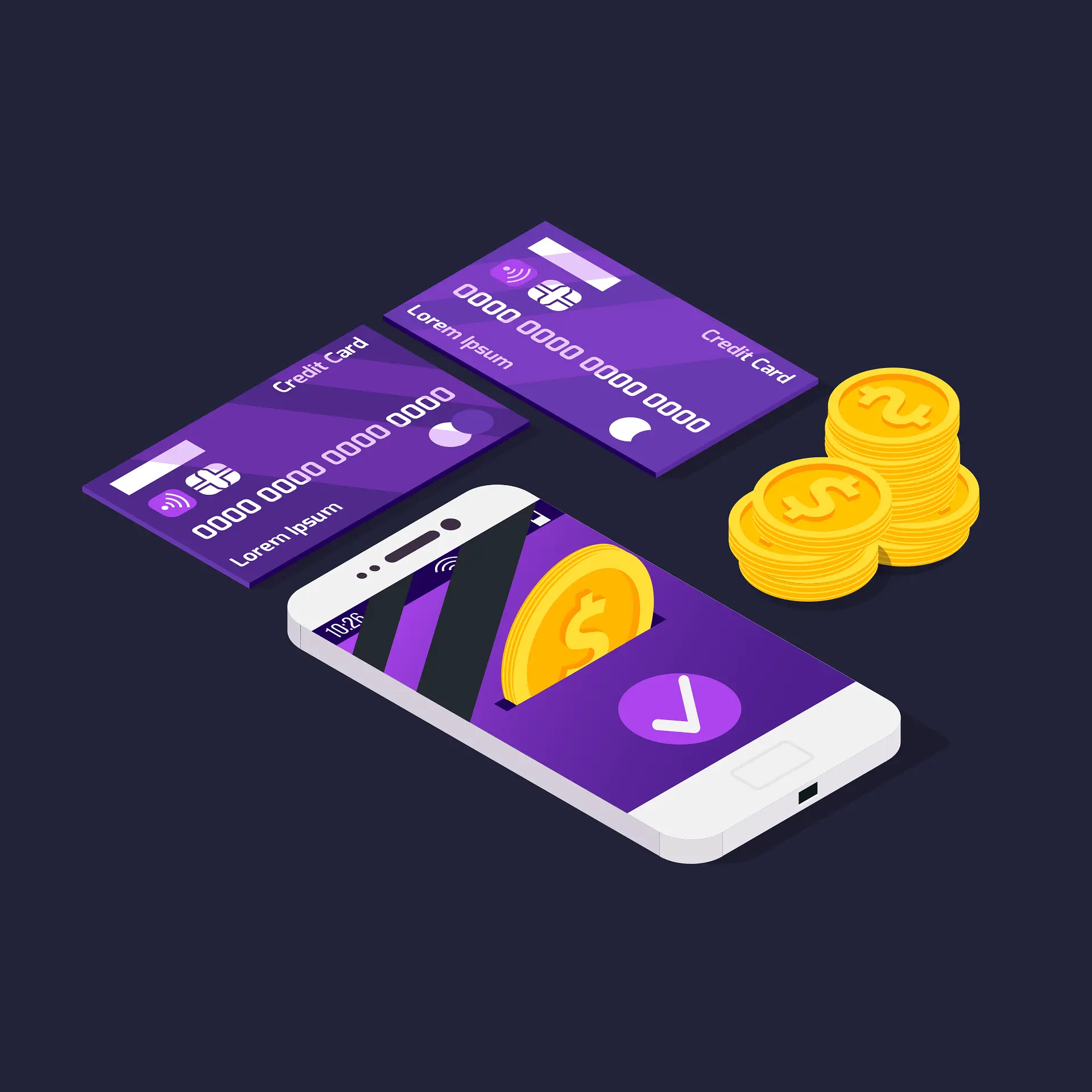
01How buying crypto with Apple Pay works
When you buy crypto with Apple Pay, you are still paying with your Visa or Mastercard. Apple Pay replaces your real card number with a device-specific token, and you approve the payment with Face ID, Touch ID or your passcode instead of typing card details. Google Pay works the same way on Android. The platform receives a token it can charge but never sees your card number.
That brings two real advantages. It is faster: no typing a 16-digit number on a small screen, and no mistyped expiry dates. It is also safer: if the platform’s systems were ever breached, there would be no card number of yours to leak. Your bank often treats a wallet payment approved with biometrics as strongly authenticated, so you may see fewer one-time-code prompts.
What it doesn’t change is the transaction itself. The payment still runs through Visa or Mastercard, and crypto purchases must still be coded as quasi-cash under MCC 6051 or 6012, according to Visa’s Merchant Data Standards Manual. If your bank blocks crypto on a card or charges a cash advance, it will do the same whether you type the number or use Apple Pay. The details are in our credit card guide.
Apple Pay / Google Pay
- Face ID or fingerprint approval
- Card number never shared with the platform
- Fastest checkout on mobile
- Same fees as the card behind it
Typing your card
- 3-D Secure code or bank-app approval
- Card number stored by the platform
- Works on desktop and in any browser
- Same fees
02Platforms that accept Apple Pay and Google Pay
Support depends on both the platform and your country. A platform may offer Apple Pay in one market but not another, or only in its app. Here is what we could confirm on official pages as of October 2026.
| Platform | Apple Pay / Google Pay | Fee (card rate) | Notes |
|---|---|---|---|
| CEX.IO | Yes / Yes | 0.49–4.99% + service charge | International; added both wallets in 2021. Not licensed in Asia; not for JP, SG, IN residents. |
| MoonPay | Yes / Yes | Visa from 4.5% | On-ramp built into many wallets; coins go straight to your address. |
| OSL (Hong Kong) | Apple Pay: yes | Card rate | SFC-licensed; also FPS and eDDA. For HK residents. |
| CoinMENA (UAE) | Yes / Yes | 4% | VARA-licensed broker-dealer. AED bank transfer 0%, Botim 2%. |
| Bybit Kazakhstan | Reported yes | Card rate | AFSA-licensed; Kazakh Visa/Mastercard accepted (secondary sources). |
| Banxa, Transak, Mercuryo, Ramp | Reported yes | Roughly 1–5.5% | On-ramps used inside wallets and dapps; check the final quote. |
“Reported” means listed by secondary sources or in our background research but not re-checked on an official page in October 2026.
Notice what is missing: most of Asia’s licensed local exchanges. Bitkub, Indodax, Coins.ph, Upbit and the Japanese exchanges run on local bank rails such as PromptPay, QRIS, InstaPay and bank transfer, not on card wallets. In those markets, Apple Pay is mainly a way to pay on international platforms. If cost matters more than speed, a local transfer is still cheaper; see payment methods by country.
Have Apple Pay or Google Pay set up? A first purchase takes a couple of minutes once you’re verified.Visa · Mastercard · Apple Pay · Google Pay — check that your country is supported
Buy your first coin03Apple Pay availability in Asia
Apple Pay has to be live in your country, and your bank has to support it, before you can use it for anything. Apple’s official list (support page updated 30 September 2026) includes most of East Asia and the Gulf, but not all of South and Southeast Asia.
| Market | Apple Pay listed? | Crypto angle |
|---|---|---|
| Hong Kong, Taiwan | Yes | Works on OSL (HK) and international platforms; local banks may block crypto merchant codes. |
| Singapore, Japan | Yes | CEX.IO doesn’t accept residents. A locally issued credit card in Apple Wallet is still covered by Singapore’s ban. |
| South Korea | Yes | Card purchases of crypto reportedly blocked since 2018; exchanges use KRW bank accounts. |
| Malaysia, Philippines | Yes | Local licensed platforms use FPX / InstaPay / e-wallets; Apple Pay is for international platforms. |
| UAE | Yes | Widely accepted at licensed venues (CoinMENA 4%). |
| India | Yes (listed) | CEX.IO doesn’t accept residents; FIU-registered exchanges use UPI/IMPS. |
| Kazakhstan, Kyrgyzstan | Yes | Kazakh cards work on AIFC exchanges; Kyrgyz cards may fail on some platforms. |
| Thailand, Indonesia, Pakistan | No | Use PromptPay, QRIS / virtual accounts, or Google Pay where your bank supports it. |
Apple also lists mainland China and Vietnam, where crypto trading is banned or has no licensed venue yet. We don’t cover buying there.
For Google Pay, availability depends on the country and on whether your bank has enabled its cards for Google Wallet, and Google’s country list changes often. Check Google’s own help page and your bank’s app. On Android, many Asian users rely on their bank’s own tap-to-pay or a local e-wallet instead. Those can’t be used at international crypto platforms.
04Fees: the same as your card
Apple and Google don’t charge you to pay with their wallets, and platforms generally price Apple Pay and Google Pay at their normal card rate. CEX.IO lists 0.49–4.99% plus a service charge for cards, Apple Pay and Google Pay alike. MoonPay quotes Visa card fees from 4.5%, and CoinMENA charges 4% for cards, Apple Pay and Google Pay.
The bank layer still applies too. If the card in your wallet is a credit card, expect the same possible cash-advance fee and immediate interest as when you type the number. If it’s a debit card, you avoid the cash advance, which is why we suggest adding a debit card to your wallet for crypto purchases; see buying crypto with a debit card. If your card currency differs from the platform’s billing currency (usually USD, EUR or GBP), add a foreign-exchange fee.
05Step by step on your phone
- Add a supported card to your wallet
In Apple Wallet or Google Wallet, add a Visa or Mastercard from a bank that supports it. A debit card in your own name is usually the best choice.
- Install the platform’s official app
Download it from the App Store or Google Play using the link on the platform’s official website. Apps with similar names are a common phishing trick.
- Verify your identity
Complete KYC with an ID and selfie. Apple Pay doesn’t replace verification; every legitimate platform requires it before you buy.
- Choose the coin and amount
Select Apple Pay or Google Pay as the payment method. Read the quote: how much crypto you get, the fee and the rate.
- Approve with Face ID or fingerprint
Check that the right card is selected on the payment sheet, then confirm. Coins usually arrive within minutes.
- Secure the coins
Turn on 2FA in the app. For larger amounts, withdraw to a wallet you control and keep the seed phrase offline.
On desktop, Apple Pay usually works only in Safari on a Mac, while Google Pay works in Chrome. Platform support in web checkouts can differ from the app. If the Apple Pay button doesn’t appear, the platform may not offer it in your country, or your card may not be eligible. In that case, typing the card in or using a local transfer is the fallback. We compare crypto apps’ mobile experience in best crypto apps.
06Security, limits and scams
Platform limits apply as usual. At CEX.IO, new accounts are capped at $1,000 a day and $3,000 a month for card purchases, including Apple Pay and Google Pay, for the first three months after verification. Your bank’s daily card limit applies on top. See KYC and buying limits.
Apple Pay protects your card number, but it can’t protect you from sending money to the wrong person. Be wary of anyone on Telegram, WhatsApp or social media who offers to sell you USDT "by Apple Pay, no KYC". Many of these offers are fraudulent, and you have no escrow if the coins never arrive. Buy only inside the platform’s official app or website. If someone you met online is guiding you to an "investment platform", read how to check whether an exchange is legitimate first.
FAQ
Can I buy crypto with Apple Pay?
Yes, on platforms that accept it. CEX.IO, MoonPay and several other international platforms and on-ramps accept Apple Pay and Google Pay, as do some licensed local venues such as OSL in Hong Kong and CoinMENA in the UAE. You need a Visa or Mastercard in Apple Wallet from a bank that supports Apple Pay, and a verified account on the platform.
Is buying crypto with Apple Pay cheaper than using a card?
No. Apple Pay passes your existing card to the platform as a token, and the platform charges its normal card fee: for example 0.49–4.99% plus a service charge at CEX.IO, from 4.5% at MoonPay and 4% at CoinMENA. Your bank also treats it as the same card transaction, so FX or cash-advance fees still apply.
Can I buy crypto with Apple Pay without KYC?
Not on legitimate platforms. Apple Pay only handles the payment; the platform still has to verify your identity before you can buy, under anti-money-laundering rules. Offers to sell crypto “via Apple Pay, no KYC” through chat apps are a common scam pattern and offer no protection if the coins never arrive.
Is Apple Pay available in my country for crypto purchases?
Apple’s support page (updated 30 Sep 2026) lists Apple Pay in Hong Kong, Singapore, Taiwan, Japan, South Korea, Malaysia, the Philippines, Vietnam, the UAE, India, Kazakhstan and Kyrgyzstan, among others. Thailand, Indonesia and Pakistan are not on the list. Whether you can buy crypto also depends on your bank, the platform and local rules.
Why was my Apple Pay crypto purchase declined?
Usually for the same reasons a card is declined: your bank blocks crypto purchases (coded as quasi-cash under MCC 6051), treats them as cash advances, or flags an overseas merchant. Other causes are a card that your bank does not support in Apple Wallet, an unverified account, or a platform that does not accept Apple Pay in your country.
Sources
- Apple — countries and regions that support Apple Pay · updated 30 Sep 2026
- CEX.IO — about (Apple Pay and Google Pay since 2021) · checked Oct 2026
- CEX.IO — buy Bitcoin (card, Apple Pay, Google Pay fees) · checked Oct 2026
- MoonPay — buy crypto (payment methods and fees) · checked Oct 2026
- CoinMENA — deposit fee schedule (Apple Pay / Google Pay 4%) · checked Oct 2026
- Visa — Merchant Data Standards Manual (April 2026) · checked Oct 2026
Buy with a tap
Add your card to Apple Wallet or Google Wallet, verify your account once, and approve each purchase with Face ID or a fingerprint. Check first that the platform serves your country.
International licensed platform · operating since 2013 · Visa / Mastercard / Apple Pay