01What a cold wallet is, and who actually needs one
A hardware wallet, often called a cold wallet, is a small device built to do one job: guard your private keys. Its whole value fits in one sentence: the keys are created on the device and never leave it. You start a transfer on your laptop or phone, the transaction is passed to the device, you check the address and amount on its screen and press confirm, and only the signed transaction comes back to be broadcast. Malware on your computer never sees the key.
That is very different from leaving coins on an exchange. On an exchange you hold an IOU; if the platform collapses, is hacked or freezes your account, you join the queue. (Our exchange safety guide walks through Mt. Gox, FTX, WazirX and others.) A phone hot wallet does give you the keys, but the phone is online and full of apps, so phishing links and malicious token approvals are a constant risk.
So who needs a hardware wallet? Our rule of thumb: once your holdings are worth more than a month's salary, or more than you could lose without real pain. If you are dollar-cost averaging a few hundred dollars a month and still learning, setting up authenticator-app 2FA and a withdrawal whitelist on your exchange (see our crypto security guide) matters more than rushing out to buy a device.
02The best hardware wallets of 2026
We score five things: security architecture (secure element, open code, history of serious flaws), day-to-day handling, the companion app, coin and ecosystem support, and price, including how hard it is to get a genuine unit in Asia. Prices are each brand's official US-dollar list prices in October 2026, before shipping and import tax.
- Editor's pick · all-rounder
Ledger Nano XFrance · Bluetooth · $99
The most balanced device: a CC EAL5+ secure element, Bluetooth for your phone, and the widest coin and app support of any companion app. Want a bigger screen? The Nano Gen5 ($179, E Ink touchscreen), Flex ($249) and Stax ($399) sit above it. Desktop-only users can save money with the $59 Nano S Plus.
- $59–$399 across the range
- EAL5+ / EAL6+ secure element
- Firmware partly closed
9.0/10Official site ↗ - Best open-source
Trezor Safe 5Czechia · open source · $129
Fully open-source firmware and hardware, now with an EAL6+ secure element, which fixes the main criticism of the old Model T. A 1.54-inch colour touchscreen and the clean Trezor Suite desktop app make it pleasant to use. The Safe 3 starts at $59; the new flagship Safe 7 ($249) adds dual secure elements and, for the first time at Trezor, Bluetooth.
- $59 / $129 / $249
- Open firmware and hardware
- Model T discontinued
8.9/10Official site ↗ - Easiest to use
TangemSwitzerland · NFC cards
It looks like a bank card. Tap it on your phone to sign: no screen, no cable, no battery. A two-card set is $59.90 and a three-card set $69.90, with the extra cards acting as backups. Ideal for parents or anyone who will never touch a cable. The trade-off is that you confirm transactions on your phone screen, not on the device.
- $59.90 / $69.90
- EAL6+ chip
- Open-source app · audited firmware
8.5/10Official site ↗ - Best air-gapped
Keystone 3 ProAir-gapped · QR signing
No USB data, no Bluetooth: it talks to the outside world only through QR codes and a microSD card, a genuine air-gap design. Three secure-element chips, a 4-inch colour touchscreen and a fingerprint reader. The official bundle costs $254.80. A good fit for MetaMask users who want to move signing offline.
- 3 secure elements
- QR / microSD only
- Claims 100% open source
8.4/10Official site ↗ - Best Chinese-language UX
OneKeyOpen source · strong in Chinese
Open-source code on GitHub, an EAL6+ secure element, and the most natural Chinese interface in the category, with smooth support for USDT on TRON. Official prices: Classic 1S $99, Classic 1S Pure $79, and the touchscreen Pro $278.
- $79 / $99 / $278
- EAL6+ secure element
- Pro adds Bluetooth / NFC
8.3/10Official site ↗ -
BitBox02Switzerland · minimalist
Made by Shift Crypto in Switzerland: open-source firmware, a dual-chip design with a secure element, USB-C, and a Bitcoin-only edition for people who want nothing else on the device. From about €149; check the official store for the current price.
- Dual chip incl. secure element
- Open-source firmware
- Bitcoin-only edition
8.2/10Official site ↗ -
SafePal S1Binance-backed · budget
At $49.99 the S1 is one of the cheapest devices with a secure element (EAL5+), signing offline through QR codes. The X1 ($69.99) switches to Bluetooth and the S1 Pro ($89.99) upgrades the screen. Tight integration with the Binance ecosystem.
- $49.99 / $69.99 / $89.99
- EAL5+ secure element
- Partly open source
8.0/10Official site ↗
Scores are editorial opinion; brands do not pay to be listed. See how we rate. For Keystone (device alone) and BitBox02, check the live price on the official store.
03Spec comparison: secure chips, Bluetooth, NFC and open source
Three columns matter most. A secure element is a tamper-resistant chip of the kind used in bank cards and passports; CC EAL5+ and EAL6+ are its certification levels, and higher is stricter. The connection sets the attack surface: USB is traditional, Bluetooth and NFC make phones convenient, and a QR-code air gap creates no data link at all. Open source lets anyone review the code, but chip makers usually forbid publishing the firmware that runs inside the secure element, so most brands are "partly open".
| Model | Price | Secure element | Connection / screen | Open source |
|---|---|---|---|---|
| Ledger Nano S Plus | $59 | EAL6+ | USB · 1.1" OLED | Partly |
| Ledger Nano X | $99 | EAL5+ | USB + Bluetooth | Partly |
| Ledger Nano Gen5 | $179 | EAL6+ | BT + NFC · 2.8" E Ink touch | Partly |
| Ledger Flex / Stax | $249 / $399 | EAL6+ | BT + NFC · E Ink touch | Partly |
| Trezor Safe 3 | $59 | EAL6+ | USB · mono screen, 2 buttons | Yes |
| Trezor Safe 5 | $129 | EAL6+ | USB · 1.54" colour touch | Yes |
| Trezor Safe 7 | $249 | Dual, EAL6+ | USB + Bluetooth · 2.5" touch | Yes |
| Tangem cards | $59.90 / $69.90 | EAL6+ | NFC · no screen | App only |
| Keystone 3 Pro | $254.80 bundle | 3 chips | QR / microSD only · 4" touch | Claims full |
| OneKey 1S Pure / 1S / Pro | $79 / $99 / $278 | EAL6+ | USB; Pro adds BT / NFC | Yes |
| SafePal S1 / X1 / S1 Pro | $49.99 / $69.99 / $89.99 | EAL5+ | S1 models QR; X1 Bluetooth | Partly |
| BitBox02 | ~€149 | Dual chip | USB-C · small OLED | Yes |
Prices from each brand's official store, excluding shipping and import tax. Check Keystone (device only) and BitBox02 prices on the official sites.
Is Bluetooth unsafe? On mainstream devices the Bluetooth link only carries transaction data waiting to be signed, or already signed; the private key never travels over it. It does add theoretical attack surface, which is why some people insist on USB or QR models. For most people, though, the real risk is themselves: a seed phrase photographed into the camera roll or typed into a fake website is far more common than a cracked Bluetooth link.
04Ledger or Trezor? Two security philosophies
This is the question we get most. Both companies have been around for roughly a decade, and neither has had its devices remotely broken in a way that caused mass theft. The difference is philosophy.
Ledger
- Secure element protects keys; strong resistance to physical attacks
- Firmware inside the chip is closed, so you trust the vendor
- Many Bluetooth and NFC models, great on phones
- Ledger Live supports the most coins and third-party apps
- A 2020 leak of customer shipping data led to waves of phishing mail and fake "replacement" devices
Trezor
- Open-source firmware and hardware, publicly auditable
- Safe series adds a secure element
- Mostly USB; the Safe 7 is the first with Bluetooth
- Trezor Suite is clean and has built-in privacy tools
- Older Model T discontinued
Our practical advice: if you mostly use a phone and hold coins on many chains, Ledger is smoother. If you value "don't trust, verify" open code, or you mainly hold Bitcoin, Trezor is the better fit. Either is far safer than keeping a large balance on an exchange you joined last month.
05Companion apps and websites, rated
About 70% of the experience is the software. We went through each one on iPhone, Android and desktop: unboxing and activation, seed backup, receiving, sending and a firmware update. The 1–5 scores reflect whether an ordinary user can do all that without mistakes, and whether the website makes it obvious where genuine devices are sold.
Ledger Liveledger.com ↗
The most features: buy, stake and connect third-party apps in one place. Lots of menus, so give yourself a few minutes.
Trezor Suitetrezor.io ↗
The cleanest desktop app, with very clear transaction-confirmation screens. The mobile app does less.
Tangem apptangem.com ↗
Three steps: tap the card, set up the backup cards, start receiving. No desktop app; everything runs on the phone.
OneKey apponekey.so ↗
Natural Chinese and English UI, easy switching between TRON and EVM chains, and warnings about risky approvals before you sign.
SafePal appsafepal.com ↗
QR back-and-forth takes getting used to. Wide coin coverage that Binance users will find familiar.
Nothing to put in cold storage yet? Buy a small amount by card and practise withdrawing it to your own address.Visa, Mastercard, Apple Pay and Google Pay
Buy your first coin06Buying a hardware wallet safely in Asia
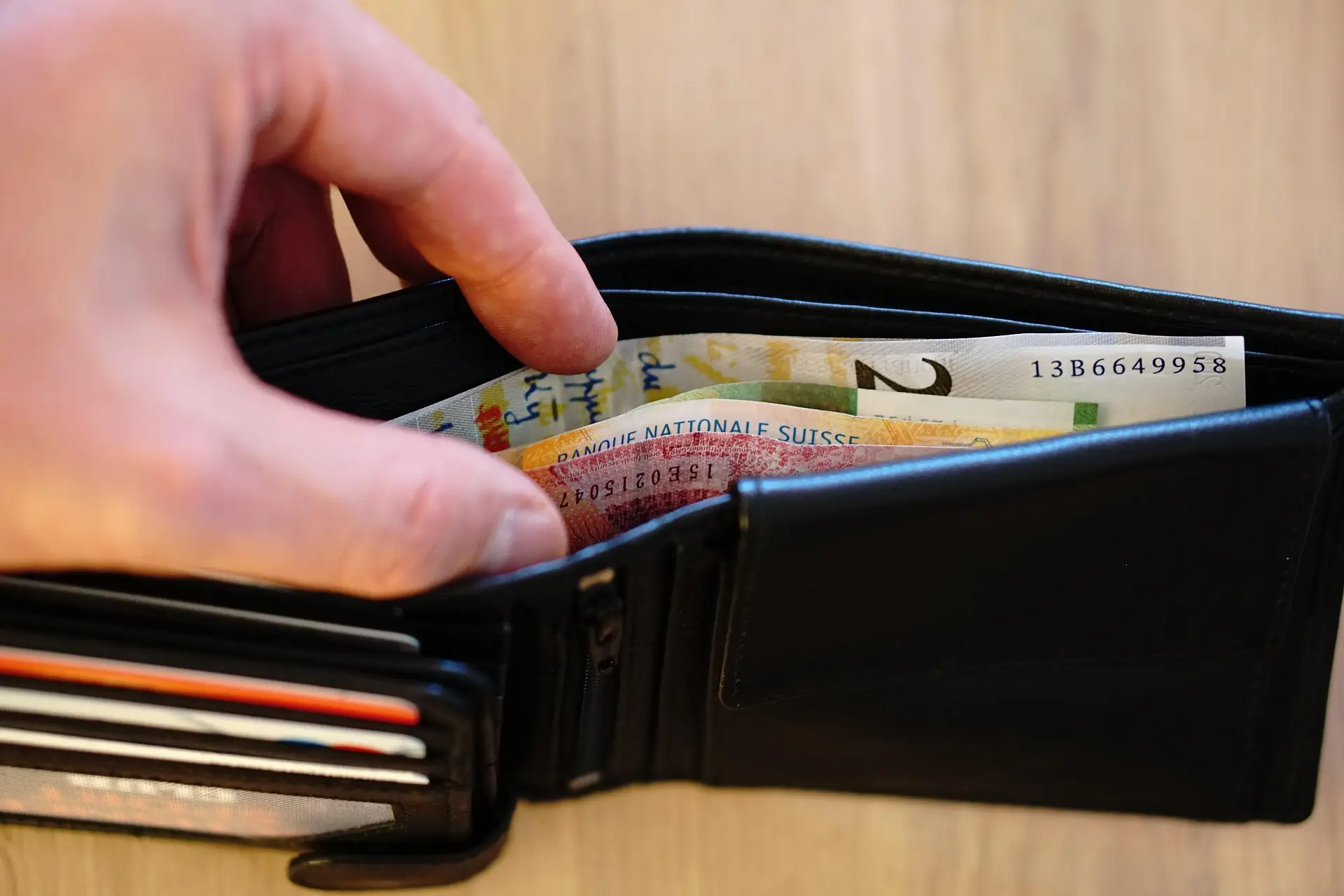
One of the biggest hardware-wallet risks sits in the buying step. If the device was tampered with before it reached you, nothing you do afterwards helps. In Asia, many people shop on marketplaces and second-hand apps, which is exactly where fakes and modified devices concentrate.
Buy only from the official store or a reseller listed on the brand's website. Ledger, Trezor, Tangem, OneKey and SafePal all sell directly online and ship to most Asian countries and territories. Some brands also have authorised resellers in Japan, Korea, Taiwan, Hong Kong and elsewhere; trust only the list on the brand's own site. Skip the Shopee, Lazada, Carousell or Taobao listing at half the official price, and skip second-hand devices entirely.
Inspect before you activate. A genuine device makes you generate the recovery phrase yourself, and the box contains only blank recovery sheets. If the box includes a card with 24 words already written on it, or the device boots up already initialised, it has been tampered with. Stop and contact the manufacturer. After activation, run the authenticity check built into the official app (Ledger Live's genuine check, Trezor Suite's device authentication).
Budget for import tax. When you order from an overseas store, some countries charge import duty or VAT/GST on electronics and the courier may ask you to pay. That is normal. What is not normal is an SMS from a "courier" or "customs" asking you to click a link and pay; a genuine notice gives a tracking number you can check yourself on the courier's official site.
A note for mainland China: under the 2021 notice from the People's Bank of China and nine other agencies, crypto trading services are illegal financial activities on the mainland. This page is written for readers in Hong Kong, Taiwan, Singapore, Malaysia and elsewhere.
07Setting up your first device, step by step
Whatever the brand, the first set-up follows the same order. Allow 20–30 minutes somewhere quiet, with no cameras pointing at your desk.
- Download the companion app from the official site
Type the brand's address into your browser yourself, or check the developer name in the App Store or Google Play. Never click a search ad.
- Generate the recovery phrase on the device
The device shows 12, 20 or 24 words. Write them on the supplied card in pen and check the order twice. No photos, no screenshots, no notes app, no cloud.
- Choose a PIN
Pick one nobody can guess. After several wrong attempts the device wipes itself. That is a safety feature, not a fault: your phrase restores everything.
- Test with a small amount
Withdraw a small amount from your exchange to the address the device shows. Compare the first and last characters on the device screen, then send a little back out so you know the whole routine.
- Store the phrase properly
Keep the card somewhere fire- and water-safe. For larger sums consider a metal backup plate, and decide how your family would find it in an emergency, without telling them the words.
A hardware wallet is for long-term holdings. For everyday payments and DeFi you will still pair it with a hot wallet; compare them in our crypto wallets guide. When you withdraw to your own wallet, some exchanges ask you to declare it as a self-hosted wallet; our Travel Rule guide explains why. Official specs: Trezor comparison and the Ledger shop.
FAQ
Do I really need a hardware wallet?
You need one once your crypto is worth more than you could shrug off losing. A hardware wallet keeps your private keys on an offline secure chip and signs transactions on the device, so malware on your laptop or phone cannot read the keys. Spending money and small balances can stay on an exchange or a phone wallet; long-term holdings belong in cold storage.
What is the best hardware wallet for a beginner?
On a tight budget, the $59 Ledger Nano S Plus or Trezor Safe 3 both give you a secure element. If you hate fiddly set-ups, Tangem's NFC cards work with a tap of your phone. If you live on your phone and want Bluetooth, look at the Ledger Nano X at $99. No single device is "best": pick the one that fits how you actually use crypto.
Is it safe to buy a Ledger or Trezor on Shopee, Lazada or Carousell?
We advise against it. Tampered and counterfeit devices, sometimes shipped with a "pre-written" recovery card, have turned up on marketplaces. Buy from the brand's official store or a reseller listed on its website, inspect the packaging, and run the authenticity check in the official app. Any device that arrives with a seed phrase already filled in must never be used.
What happens if my hardware wallet breaks or gets lost?
Your coins are safe as long as you still have your recovery phrase. The coins live on the blockchain; the device only holds the keys. Restore the phrase on a new device of the same or a compatible brand and your balance reappears. The flip side: if someone else gets your phrase, they can move your funds even while the device sits in your drawer.
Can I still buy a Trezor Model T?
As of October 2026 the Model T is no longer listed on Trezor's official comparison page; it has been replaced by the Safe series. Existing Model T units keep working, but for a new purchase the Safe 3, Safe 5 or Safe 7, all of which add a secure element, are the sensible choice.
Sources
- Ledger official shop: Nano S Plus, Nano X, Nano Gen5, Flex, Stax prices and specs · checked Oct 2026
- Trezor model comparison (Safe 3 / Safe 5 / Safe 7) · checked Oct 2026
- Tangem pricing · checked Oct 2026
- Keystone 3 Pro official site · checked Oct 2026
- OneKey official shop · checked Oct 2026
- SafePal official store · checked Oct 2026
No coins yet? Buy a small amount and practise moving it to cold storage
Buy $20–50 of Bitcoin with a card or Apple Pay, withdraw it to your hardware wallet address and walk through the whole buy, withdraw, verify-address routine once.
International licensed platform · operating since 2013 · Visa / Mastercard / Apple Pay